How to Ask Wedding Guests to Share Their Photos – Templates & Tips (2026)
Published May 16, 2026 • 8 min read
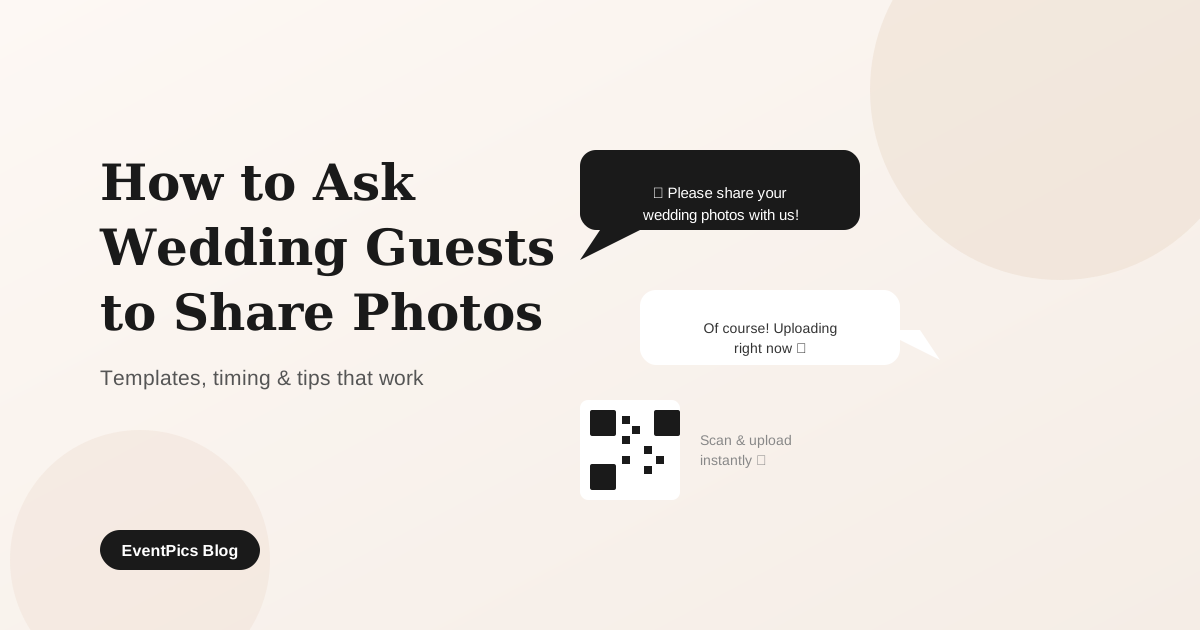
Your professional photographer captures the ceremony beautifully — but they miss the laugh at table seven, the moment your grandmother wiped a tear, or the chaos on the dancefloor at midnight. Your guests caught all of it. The challenge is getting those photos from their camera rolls to yours.
This guide gives you ready-to-use wording for every touchpoint — from the invitation card to the morning-after message — plus the setup tips that turn a trickle of photos into a full gallery.
Why Most Guests Don't Share Photos (Without Being Asked Right)
The photos are sitting on their phones. The intention to share is there. But after the wedding, life takes over and the follow-through never happens. This is almost never about unwillingness — it's almost always about friction.
Did you mention the WhatsApp group, the email address, or a link? Without one clear, easy channel, photos stay on the phone.
Attaching 20 photos to an email, or navigating a Google Drive folder, feels like work. Guests are willing — just not endlessly patient.
Many guests assume the professional photographer covered everything and their snapshots aren't needed. A direct, warm ask changes this perception immediately.
Some guests hesitate because their phone photos "aren't as good as the real photographer's". A personal mention that their candid shots are exactly what you're after removes this barrier.
The solution to all four barriers is the same: make the ask personal, the channel obvious, and the upload frictionless.
The Three Moments That Matter Most
You don't need to ask constantly — you need to ask at the right moments. Research on group participation consistently shows that people need a prompt when they are relaxed, happy and already have their phone in hand.
1. The Invitation Card — Set the Expectation Early
A short line on the invitation or enclosure card primes guests weeks before the wedding. They arrive already knowing you want their photos. This removes hesitation entirely — the social permission is baked in from the start.
Keep it light. This is not the place for detailed instructions. One warm sentence is enough.
2. The Speech or Dinner Announcement — Strike While Phones Are Out
The single most effective moment. During dinner or between speeches, guests are relaxed, happy, and many already have their phones on the table. A short, specific announcement by the best man, the host, or you directly converts into immediate uploads.
Make the announcement concrete: name the action ("scan the QR code on your table"), state the benefit ("your photos go straight into our gallery"), and add the time ("takes about 10 seconds").
3. The Thank-You Message — Your Best Second Chance
Sent the morning or day after the wedding, a thank-you message with the gallery link catches everyone who meant to upload but got swept up in the evening. Include the link prominently — don't bury it in the third paragraph. Many couples get a significant wave of uploads at this stage.
Ready-to-Use Wording Templates
Copy and adapt any of these templates for your situation.
On the Invitation Card
"We'd love to see our day through your eyes! Bring your phone and share your favourite moments with us — you'll find out how on the day."
"Every photo you take tells part of our story. We can't wait to see what you capture — details to follow at the reception."
On the Table Card (with QR Code)
"Share your photos with us!
Scan the code below → upload your best shots → done in 10 seconds.
No app needed. We'd love every photo you took today."
"You see moments our photographer can't be everywhere for. Scan the QR code and upload — it takes just a few seconds and means the world to us."
Wedding Speech Announcement (Short)
"Quick note from the happy couple: you'll find a QR code on your table. Scan it to upload any photos you take tonight — they go straight into a shared gallery. It takes 10 seconds. Please do it — they want to see every moment you captured."
Speech Announcement (Longer, More Personal)
"Before I continue — Sarah and James have a photographer here tonight, but there's one thing no professional photographer can do: be in every conversation, catch every laugh, every quiet moment between you and the people you love. You can. So please take photos tonight, and share them. There's a QR code on your table. Scan it, upload your favourites — no app, no login, just 10 seconds. It might be the most meaningful gift you give them today."
Thank-You Message (Day After)
"Yesterday was everything we dreamed of — and so much of that was because of you. Thank you for celebrating with us.
If you took any photos last night and haven't uploaded them yet, we'd love to see them: [gallery link]
It only takes a moment, and your perspective on our day means so much to us."
"We still can't stop smiling. Thank you for making our wedding so special.
P.S. — If you have any photos from yesterday, please share them here: [gallery link]. We want to see everything!"
The QR Code Approach: Why It Works So Well
The biggest predictor of whether guests share photos is not willingness — it's how many steps it takes. Every extra step (find the link, sign in, find the folder, attach files) cuts participation dramatically. QR codes collapse that to a single action: point and scan.
Here is how the flow works with EventPics:
- You create a free event gallery and download your unique QR code.
- You print the QR code on table cards, stands, or signage at the venue.
- Guests point their phone camera at the code — the gallery opens instantly in the browser.
- They tap to select photos and hit upload. Done in under 15 seconds.
- All photos arrive in your gallery in original quality. You download the entire collection as a ZIP after the event.
No app installation. No account. No login. The only thing between the guest and the upload is scanning the code.
7 Tips to Maximise Uploads
Method Comparison: QR Code vs WhatsApp vs Email vs Cloud
| Criterion | QR code gallery | WhatsApp group | Cloud folder (Drive/Dropbox) | |
|---|---|---|---|---|
| Ease of upload for guests | Scan → upload → done | Easy but chaotic | Slow and tedious | Needs sign-in |
| Photo quality | Original quality | Heavily compressed | Original quality | Original quality |
| App or account required? | None needed | WhatsApp required | No app needed | Google/Apple/Dropbox login |
| All photos in one place | Yes — one gallery | In chat, hard to find | Scattered across inboxes | Yes — one folder |
| Privacy | No phone number needed | Phone numbers visible to all | Your email exposed | No personal data shared |
| Works for all guests | Any smartphone, any age | WhatsApp users only | Universal | Account holders only |
| Live view during event | Yes — real-time slideshow | No | No | No |
| Cost | Free plan available | Free | Free | Free tier limited |
FAQ
Collect all your wedding photos in one gallery — free
Create your event gallery in 2 minutes. Guests upload in seconds from any smartphone — no app, no account. Your photos arrive in original quality, ready to download.
Create free gallery